
NECO Result Checker Token
Check your NECO SSCE results online with instant e-Token delivery
What is NECO Result Checker Token?
The NECO Result Checker Token is a unique PIN required to check your National Examinations Council (NECO) Senior School Certificate Examination (SSCE) results online. This electronic token allows candidates to access their examination results conveniently from any location using a computer or mobile device.
Why Buy NECO Token from Know IT Tuition?
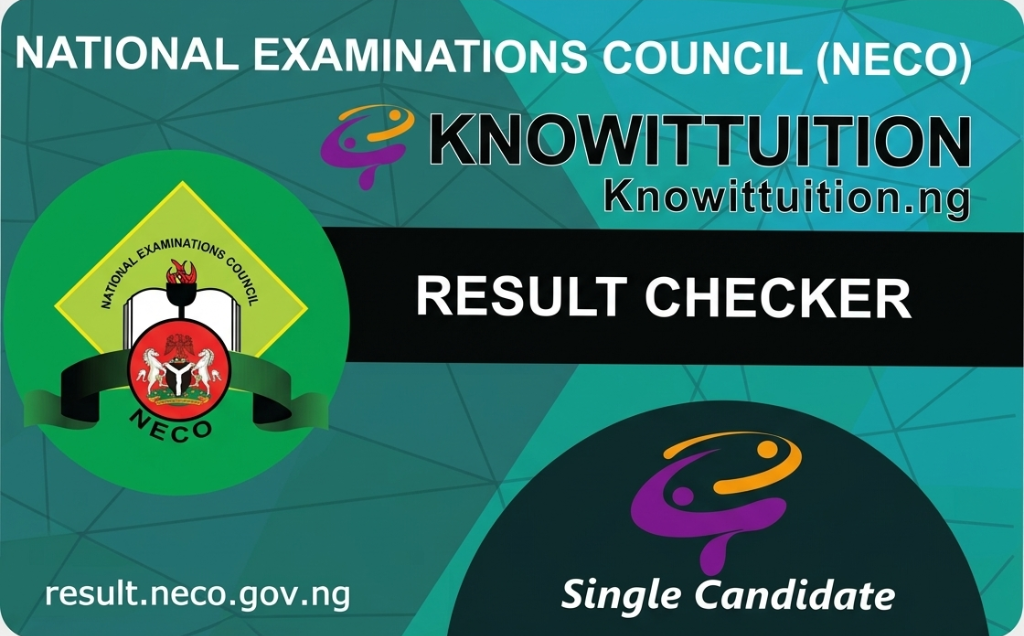
NECO Token Sample
- Instant Delivery: Get your token immediately after payment confirmation
- 100% Authentic: All tokens are officially sourced from NECO
- Multiple Payment Options: Pay via bank transfer, card, or wallet balance
- Round-the-Clock Service: Purchase anytime - our platform is always open
- Competitive Pricing: Get the best rates with no hidden charges
- Dedicated Support: Our team is available 24/7 to help you
- Dual Delivery: Receive your token via both email and SMS
- Reliable Platform: Secure and trusted by thousands of students
Competitive Pricing: Get your NECO token at the best rates. Login to view current prices and complete your purchase.
How to Buy NECO Result Checker Token
- Create your account on Knowittuition.ng
- Complete your profile and verify your email address
- Set up your 4-digit transaction PIN for security
- Fund your wallet using any of our available payment providers
- Go to the NECO Token section under Services
- Enter the quantity of tokens you need
- Provide your phone number for SMS delivery
- Click Proceed to Pay and confirm with your PIN
- Receive your NECO token instantly via email and SMS
How to Check NECO Results with Your Token
- Visit the official NECO result portal at www.mynecoexams.com
- Click on "Check My Result" or similar option
- Select your examination type (Internal or External SSCE)
- Select the examination year (e.g., 2024, 2025)
- Enter your NECO Registration Number
- Enter the Result Checker Token (PIN) purchased from Know IT Tuition
- Click on "Check Result" to view your grades
- Print or download your result statement for record purposes
Important Notice: Each NECO token is valid for one candidate only. However, you can use the same token multiple times to check and print that candidate's result within the validity period.
What You Need to Check Your NECO Result
- Your NECO Registration Number (11 characters)
- NECO Result Checker Token from Know IT Tuition
- Internet-enabled device (smartphone, tablet, or computer)
- Valid email address (for receiving the token)
Types of NECO Examinations
NECO SSCE Internal
This is for students in approved schools taking the examination within their school calendar (usually June/July). Schools typically register their students for this examination.
NECO SSCE External
This examination is for private candidates and those who wish to improve their grades. It usually holds in November/December.
Frequently Asked Questions
How quickly will I receive my token after payment?
Your NECO token is delivered instantly - within seconds of successful payment. You'll receive it via both email and SMS.
Can one token be used for multiple candidates?
No, each token is strictly for one candidate. To check results for multiple candidates, you'll need to purchase separate tokens.
What if the token doesn't work when I try to use it?
Contact our support team immediately through WhatsApp, email, or phone. We'll investigate and provide a replacement if the token is faulty.
How long is my NECO token valid?
NECO tokens typically remain valid throughout the examination year. We recommend using your token within 6 months of purchase.
Can I check my result multiple times with one token?
Yes! You can use the same token multiple times to check and print the same candidate's result within the validity period.
Do you offer bulk purchase discounts?
Yes, we offer competitive rates for bulk purchases. Contact our support team for special pricing on orders of 10 tokens or more.
Need Assistance? Our customer support team is available 24/7 via WhatsApp, phone, and email. We're here to help you purchase your token and check your results successfully.